Goodbye Static Images! Now on CodeWithBotina: Interactive Mermaid Diagrams
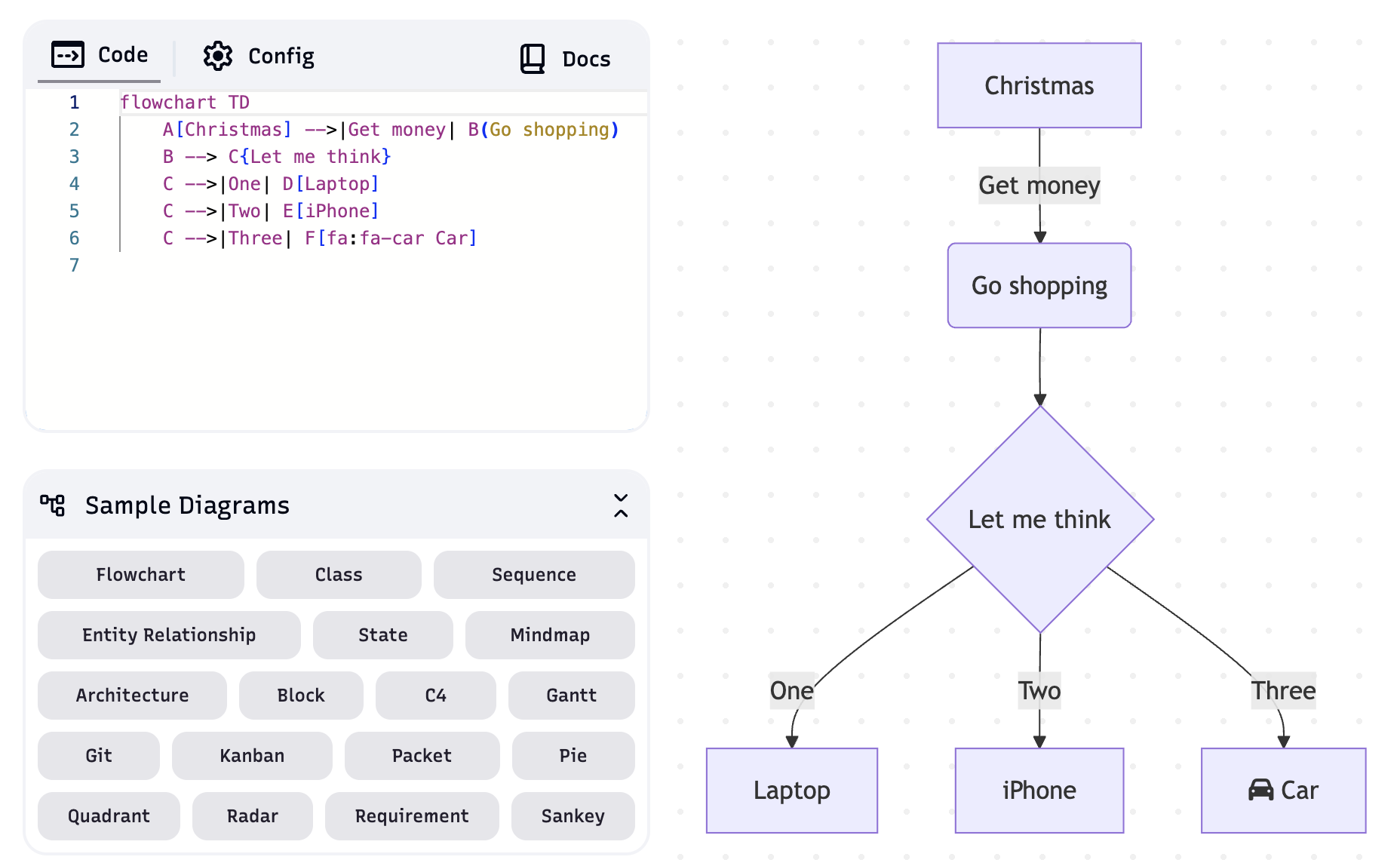
Goodbye Static Images! Now on CodeWithBotina: Interactive Mermaid Diagrams
Welcome to a special update from CodeWithBotina. If you are a regular reader, you know we are passionate about explaining complex architectures and data flows. However, sometimes a static image isn't enough to capture the essence of a dynamic system.
Today, we are thrilled to announce that CodeWithBotina now supports Mermaid diagram rendering.
What does this mean for you?
- Interactivity: You can hover over diagrams to highlight specific flows.
- Downloadable: You can now export these diagrams for your own notes or projects.
- Clarity: Diagrams that are always crisp, regardless of your screen resolution.
Here are some examples of what you will see in our future articles:
1. Flowchart (Authentication Logic)
Ideal for understanding decision-making processes in code.
graph TD
    A[User Login] --> B{User exists?}
    B -- No --> C[Error: User not found]
    B -- Yes --> D{Correct Password?}
    D -- No --> E[Error: Invalid credentials]
    D -- Yes --> F[Generate JWT Token]
    F --> G[Access Granted]
2. Sequence Diagram (API Request)
Perfect for visualizing how your microservices interact.
sequenceDiagram
    participant Client
    participant API_Gateway
    participant AuthService
    participant Database

    Client->>API_Gateway: POST /login
    API_Gateway->>AuthService: Validate Credentials
    AuthService->>Database: Fetch User
    Database-->>AuthService: User Data
    AuthService-->>API_Gateway: Token Created
    API_Gateway-->>Client: 200 OK (JWT)
3. Architecture Diagram (Our 3 Layers)
Recalling our previous post about layered architecture:
graph BT
    subgraph Data_Layer
        DB[(Database)]
    end
    subgraph Business_Layer
        Logic[Domain Logic]
    end
    subgraph Presentation_Layer
        UI[User Interface]
    end

    UI --> Logic
    Logic --> DB
How does it work?
We are using Mermaid.js, a JavaScript-based tool that renders simple text definitions into Scalable Vector Graphics (SVG). This makes the blog load faster and ensures the information is accessible to screen readers.
We hope this new tool makes your software development journey much more visual and straightforward. Try it out now by downloading any of the diagrams above!
Sources to learn more about Mermaid:
- Mermaid Live Editor: mermaid.live
- Official Documentation: mermaid-js.github.io
Visualize the code, master the system. Only at CodeWithBotina.
Loading reactions...
Comments (0)
Loading session...
No comments yet. Be the first to comment.